Henry’s agent use cases

These are plain examples of how Henry and the Enterprise Crew use agents in daily work. Not a prompt library. Not a raw catalog. Just the recurring jobs, what each one connects to, what comes back, and where the human approval line sits.

Readable by a normal operator

Each example explains the work in human terms. “Meeting prep” is easier to understand than “calendar-aware contextual synthesis loop,” which sounds like a SaaS landing page got trapped in a blender.

Built around approval

The useful part is not just that an agent can act. It is knowing what it can do alone, what it should draft, and where it must stop for Henry.
Examples

How the system gets used

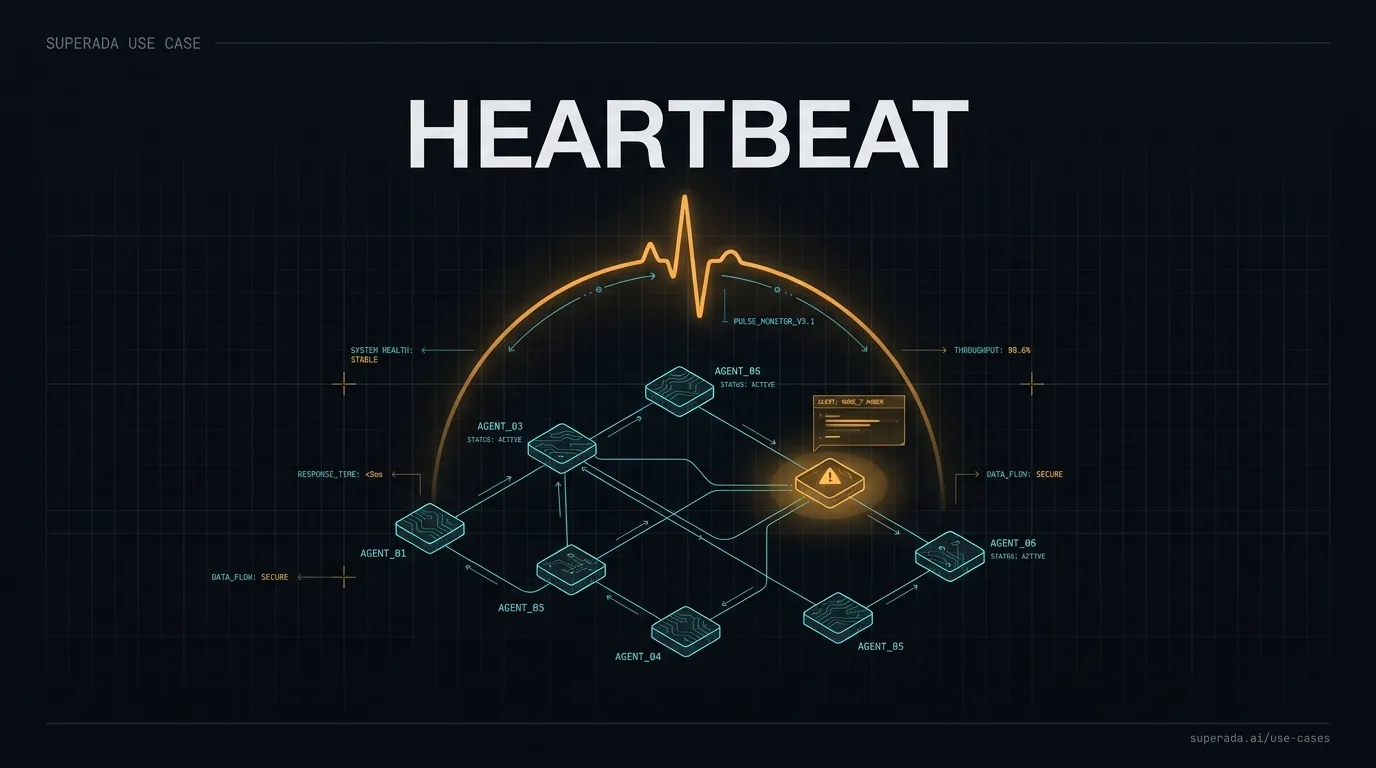
Illustration: Heartbeat
Operations

Heartbeat

Ada posts a fleet status card every 6 hours, and underneath the card runs a control loop that keeps roughly 132 cron jobs honest in between.
When it runs
Card every 6 hours into the private #heartbeat channel. Underneath it, a contract validator and a fleet sweep run every 30 minutes.
What it connects to
Hermes cron state, machine-checkable contracts for 9 core jobs (freshness SLAs, output markers, side-effect artifact freshness), a sweep across all ~132 cron jobs for unregistered fails, circuit breakers, and a waiting-gate tracker.
What Henry gets back
A max-12-line card with readiness score, contract pass count, breaker trips, and open gates. Scheduler ok counts for nothing; only receipts do. The sweep surfaces failing jobs nobody registered, with a readiness penalty.
Where the human stays in charge
Report-only by default: 3 consecutive failed receipts trip the breaker and it flags loudly, but auto-pause stays behind explicit approval from Henry. Anything destructive, credential-related, or customer-facing stops for him.
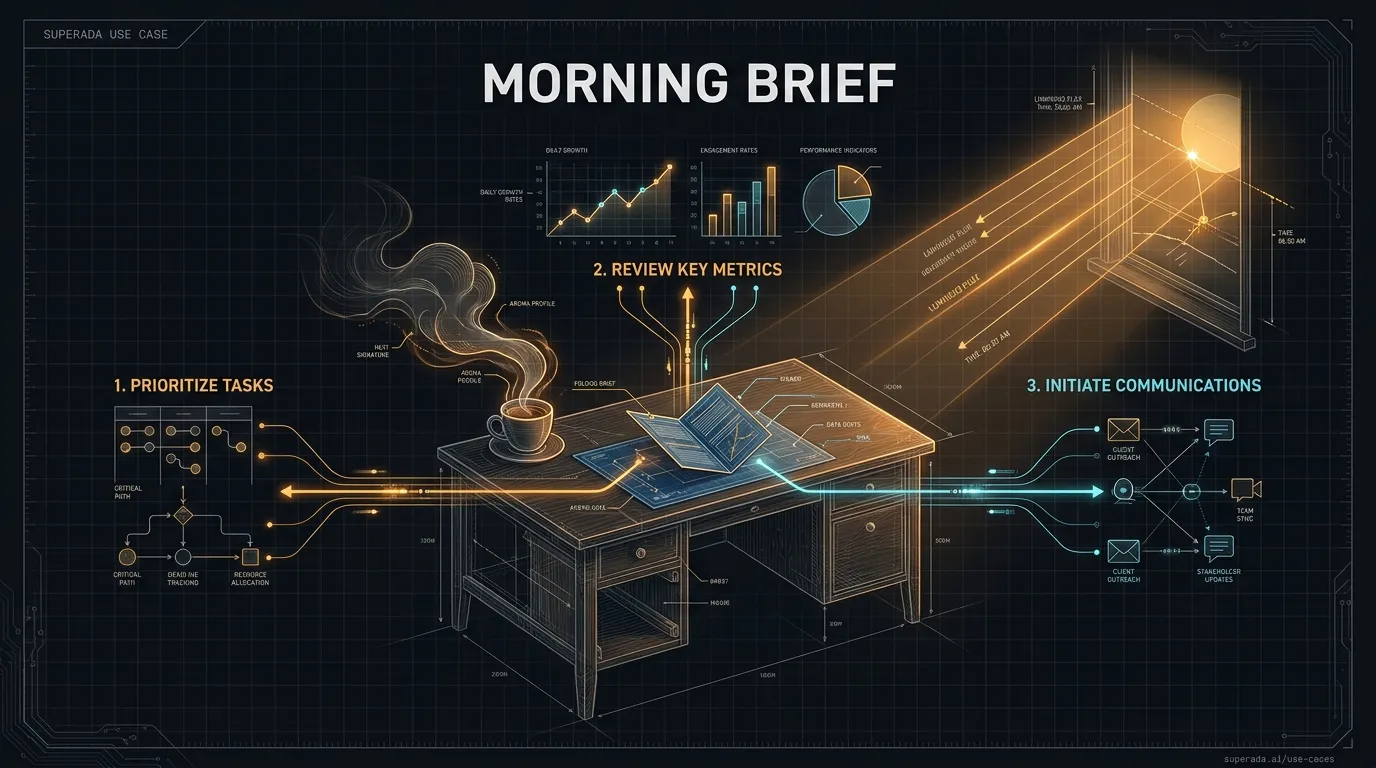
Illustration: Morning brief
Daily briefing

Morning brief

Ada turns calendar, inbox, task, vault, and fleet signals into a short morning brief Henry can act on.
When it runs
Every morning at 7am, delivered to the internal ops channel.
What it connects to
Google Calendar, Gmail, Obsidian notes, recent sessions, Mission Control-style task surfaces, crew health checks, and Henry’s current location/timezone file.
What Henry gets back
Three concrete actions for the day, what finished overnight, what is blocked, and anything that needs Henry rather than another agent pretending to be useful.
Where the human stays in charge
The agent can read, summarize, archive low-risk inbox noise under standing rules, and draft. It cannot send as Henry, make commitments, change external calendars, or publish without approval.
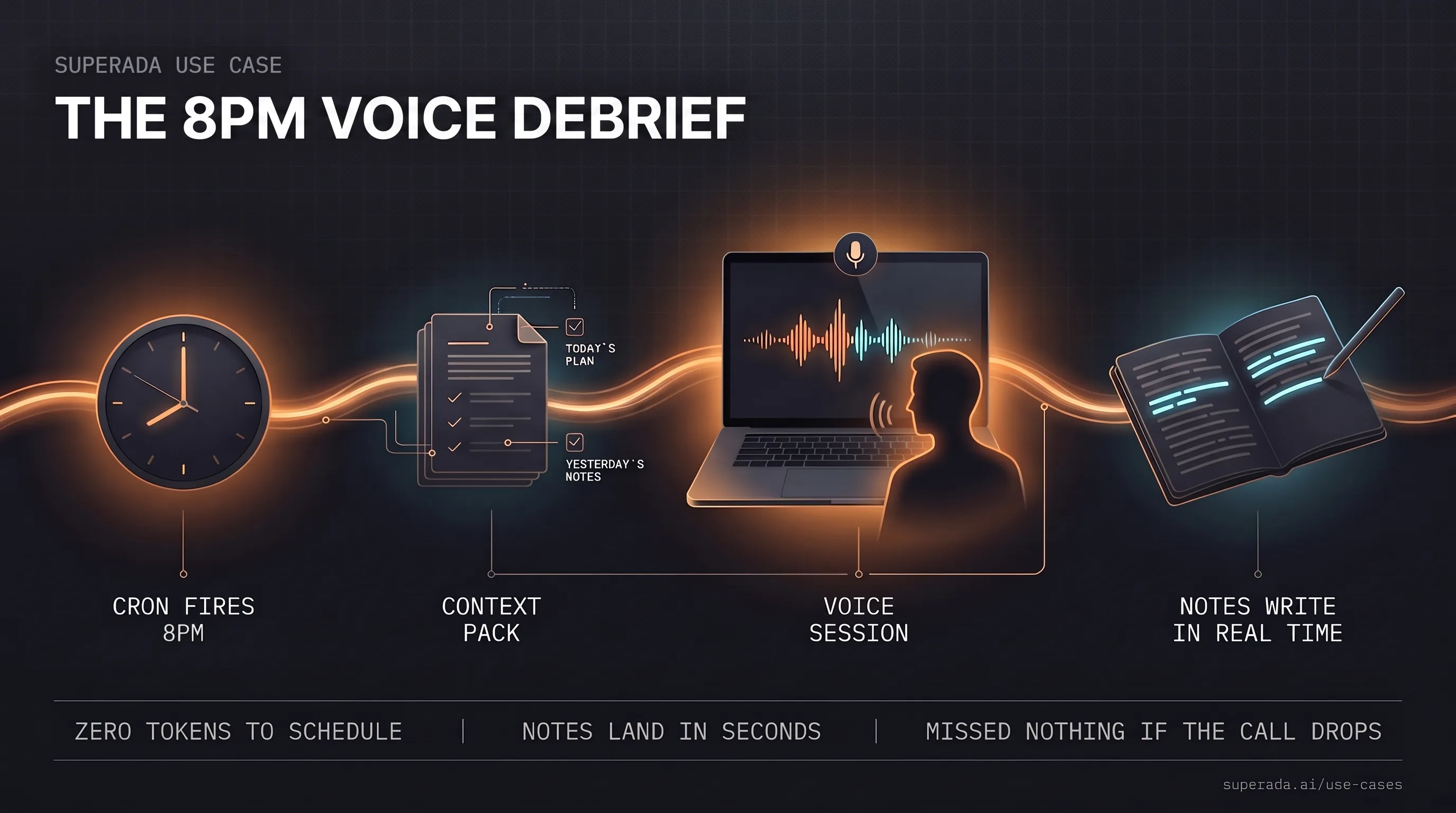
Illustration: The 8pm voice debrief
Daily briefing

The 8pm voice debrief

Every evening a scheduled job opens a voice session, hands it a fresh context pack, and interviews Henry about his day while writing notes in real time. The debrief interviews him so the notes write themselves.
When it runs
Daily at 8pm. If a voice session is already live, it stays out of the way.
What it connects to
The day’s plan and task notes, yesterday’s debrief as carry-forward, a project folder with interview instructions, and the desktop voice client on the crew Mac.
What Henry gets back
A live voice conversation that asks one question at a time, and a notes file that fills in as he speaks — seconds behind his words, so nothing is lost even if the call drops.
Where the human stays in charge
The scheduler is deterministic and script-only: zero agent tokens. It can start sessions and write notes. It cannot send external messages, publish, or touch anything outside the debrief folder.
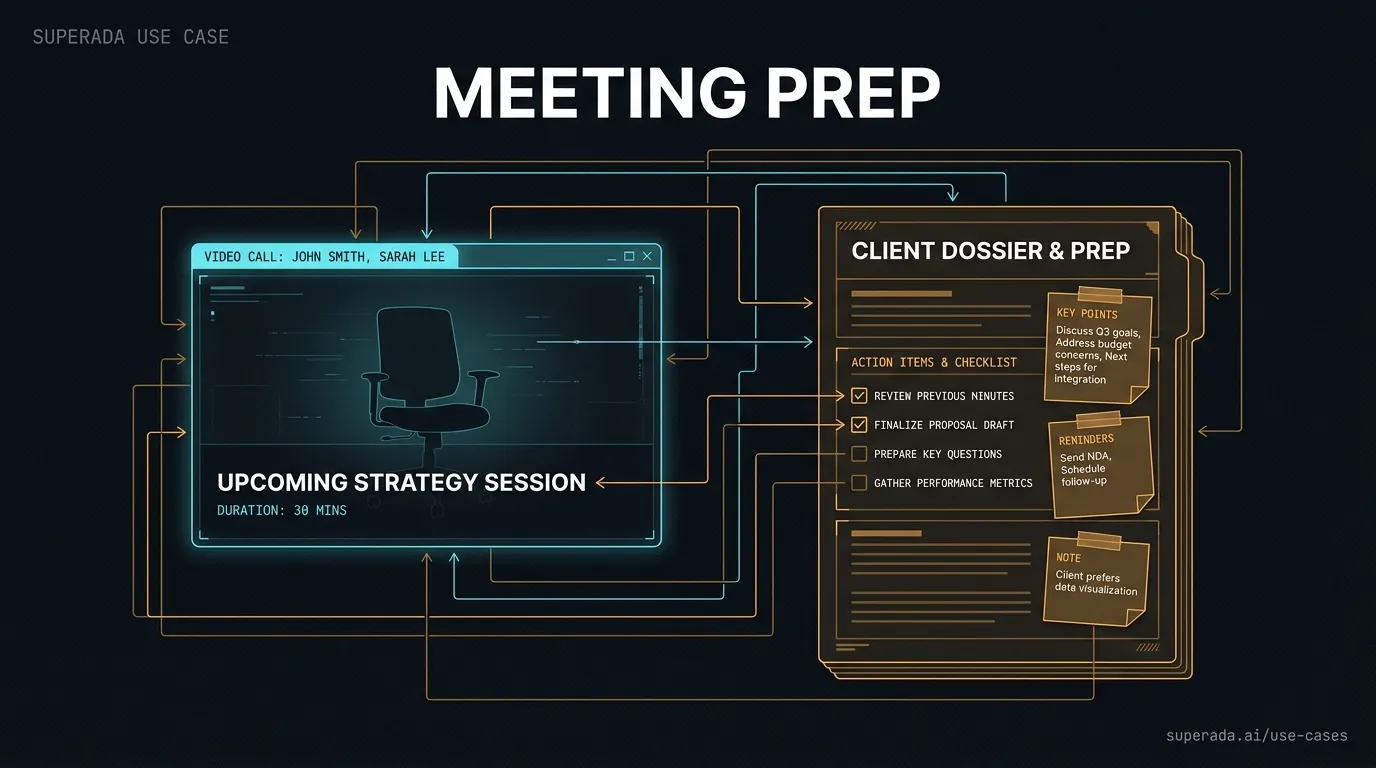
Illustration: Meeting prep and follow-up
Meetings

Meeting prep and follow-up

Before a call, Ada builds the context Henry would otherwise hunt through manually. After the call, it turns the transcript into next steps.
When it runs
On demand or as part of a meeting-actions workflow.
What it connects to
Calendar events, attendee names, company context, prior notes, CRM-style relationship memory, docs, email threads, and meeting transcripts from Fireflies or Google Meet captions when available.
What Henry gets back
A prep note with who is joining, what happened before, likely agenda, useful questions, open risks, and after the call, owner-backed action items plus follow-up drafts.
Where the human stays in charge
Prep, summaries, and draft follow-ups are safe. Sending messages, changing calendar invites, or making commercial promises requires approval unless a standing workflow already covers that exact action.
Illustration: Personal CRM
Relationships

Personal CRM

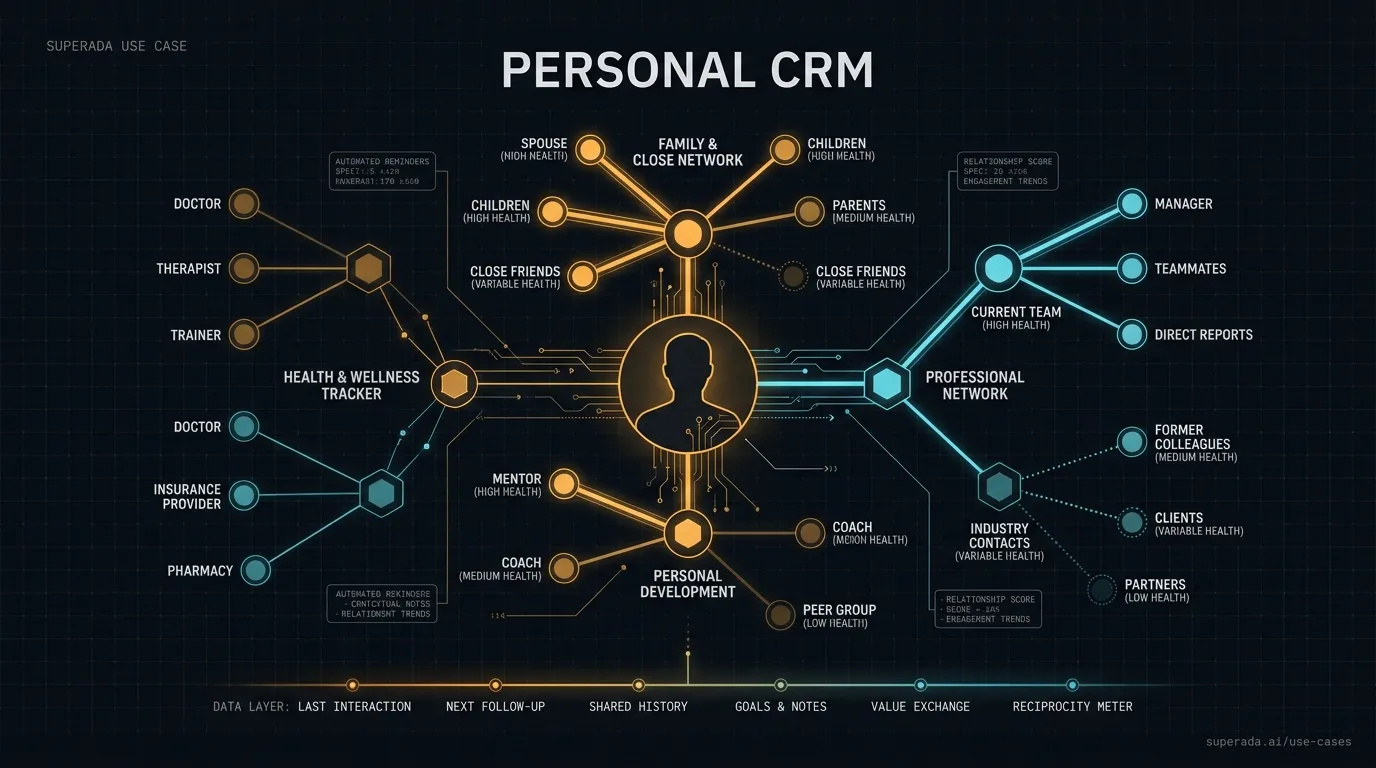
A daily sync keeps Henry’s relationship memory fresh without turning it into a creepy outreach cannon. We are civilized villains here.
When it runs
Daily at 5:45am, local-only.
What it connects to
Gmail, Google Calendar, Slack, Fireflies, Apollo contact data, local CRM tables, embeddings, duplicate checks, and relationship-health scoring.
What Henry gets back
Updated contacts, interaction history, relationship health, duplicate suggestions, and a searchable base for meeting prep or follow-up.
Where the human stays in charge
The sync is read-only against providers and writes only to the local CRM database. It does not send messages, launch outreach, enrich contacts externally, or mutate provider records.
Illustration: Urgent message triage
Inbox

Urgent message triage

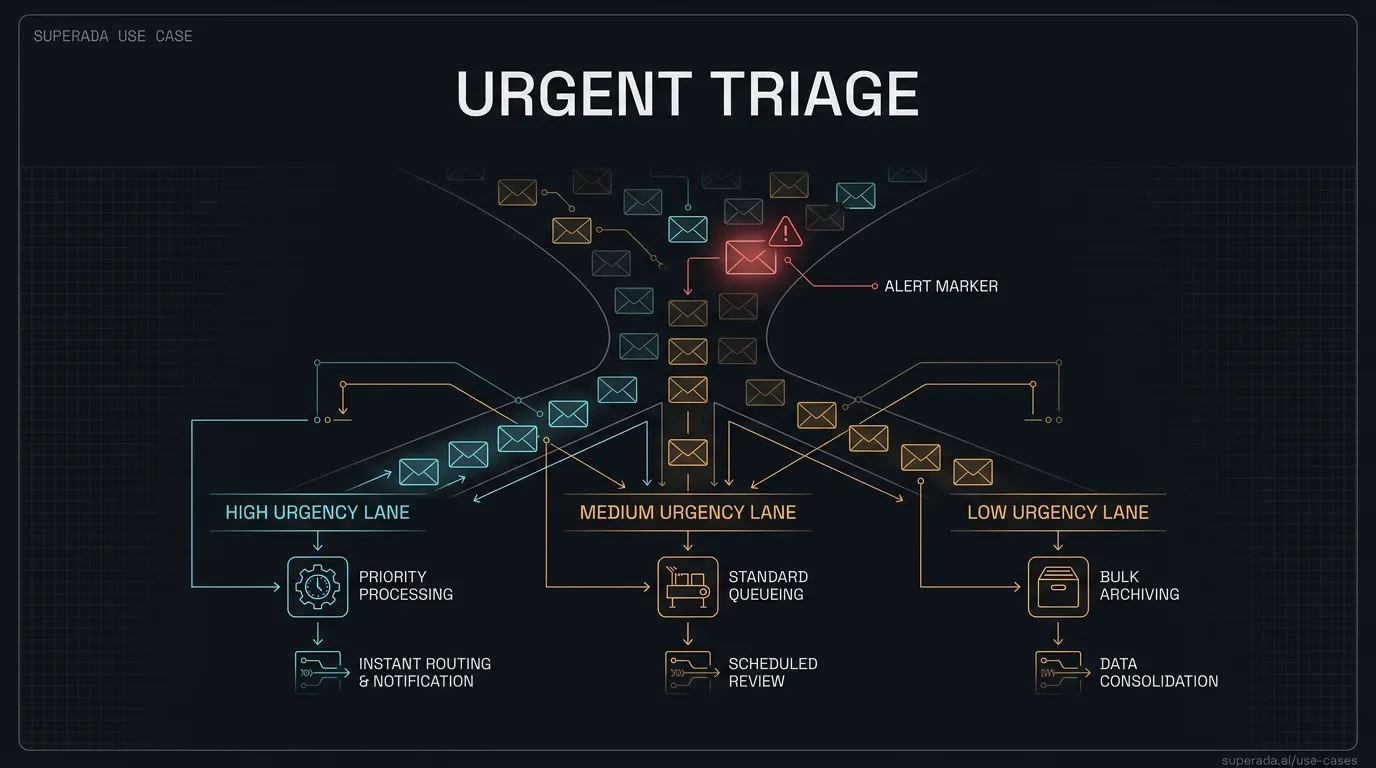
Ada watches for messages that are easy to miss but expensive to ignore, then stages the response path.
When it runs
As a recurring check or on demand when Henry asks for an inbox audit.
What it connects to
Gmail, Slack or Discord mentions, WhatsApp/Beeper queues, sender history, current priorities, and thread context.
What Henry gets back
A short list of what needs attention, why it matters, suggested next action, and draft replies when useful.
Where the human stays in charge
Reading and drafting can be automatic. Sending as Henry, contacting a new person, making promises, or escalating externally needs approval.
Illustration: Runner builds a scoped task
Product

Runner builds a scoped task

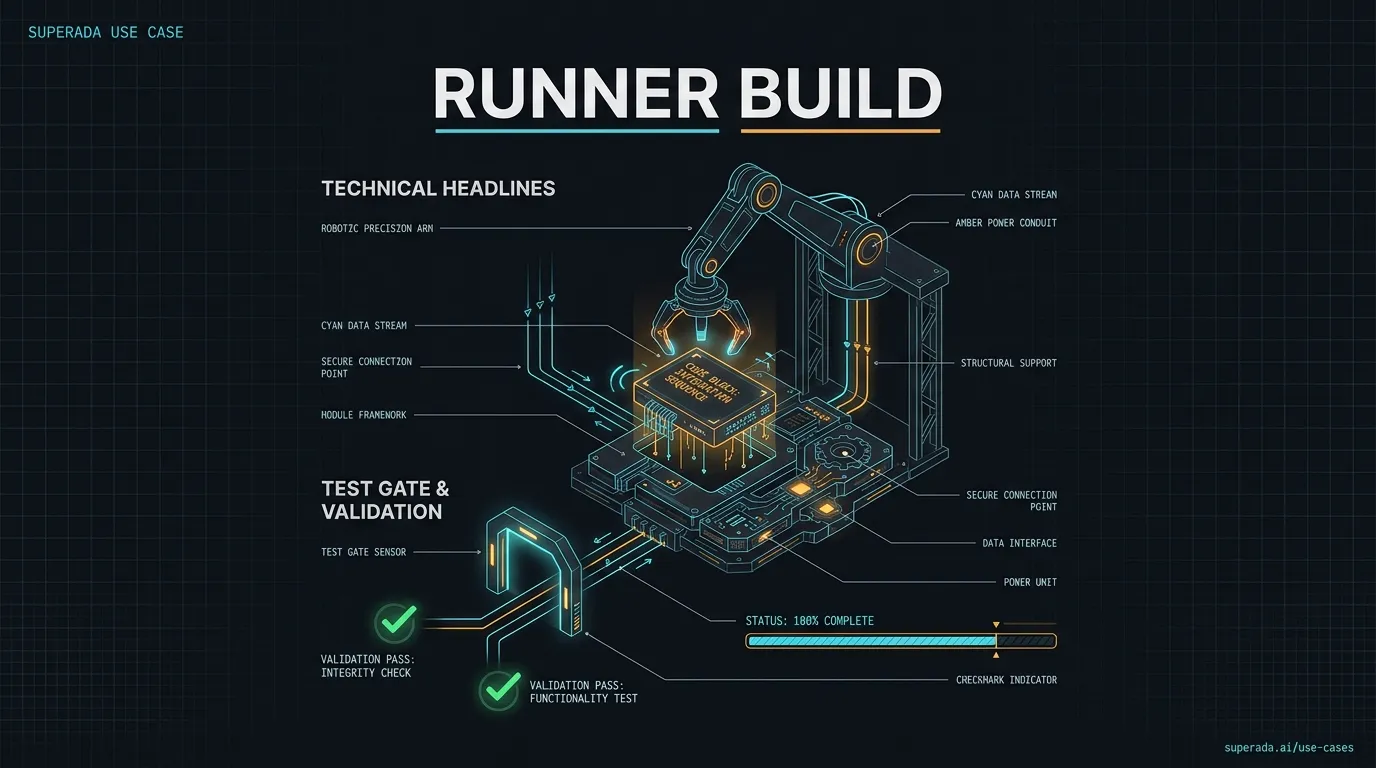
A coding runner takes a bounded ticket, changes the repo, runs the gate, and returns proof instead of “looks good” fog machine nonsense.
When it runs
On approved tickets or durable project loops.
What it connects to
GitHub or local repo state, task brief, acceptance criteria, tests, build commands, review tools, and deployment rules.
What Henry gets back
A branch or patch, the exact diff, test/build output, blockers, and the next merge or review step.
Where the human stays in charge
Local reversible edits and tests can run. Merge, production deploy, destructive migration, customer release, or expanded scope waits for Henry or the project owner.
Illustration: Account brief before a customer call
Sales

Account brief before a customer call

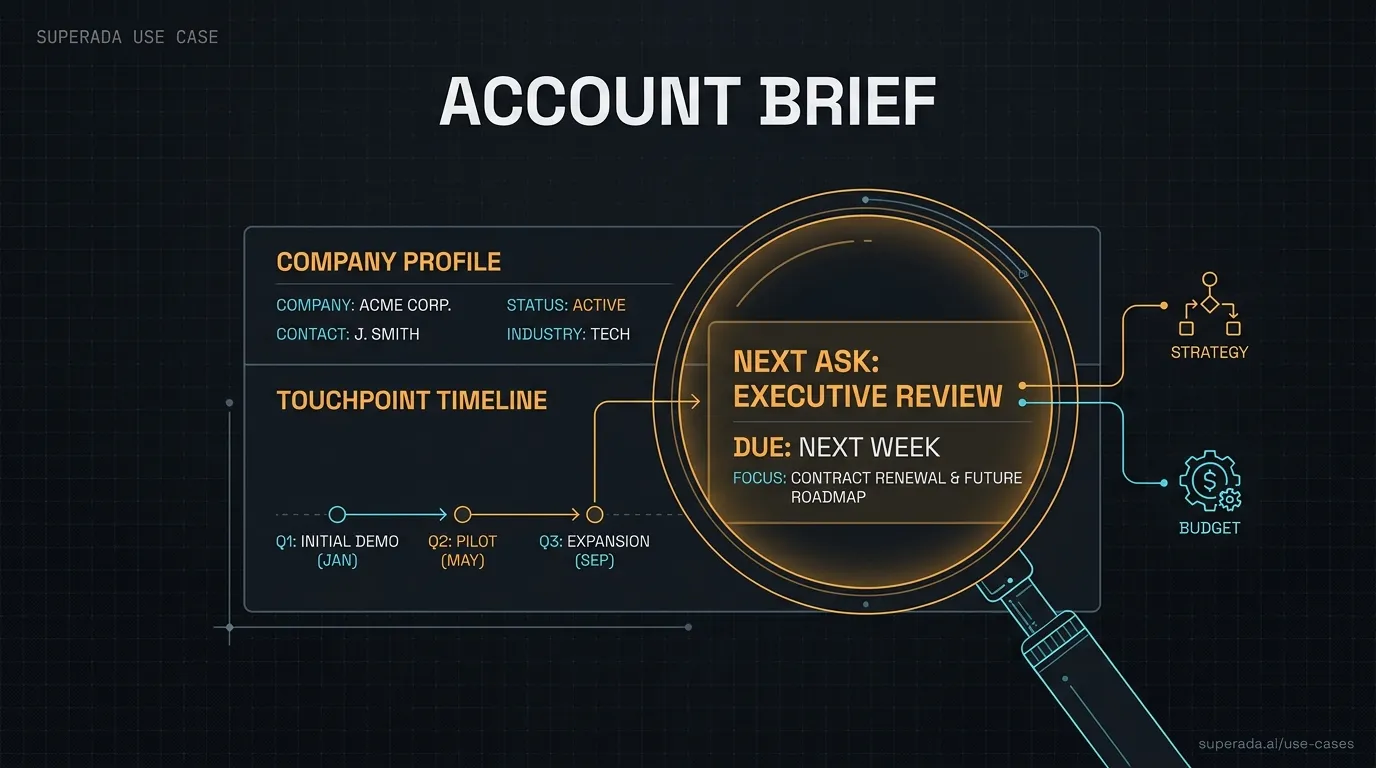
Ada pulls the account story together before Henry walks into a sales or partnership conversation.
When it runs
On demand before a call, event, or outreach push.
What it connects to
Company site, LinkedIn-style public signals, prior emails, meeting notes, CRM records, insurance-market context, and open asks from the team.
What Henry gets back
A short account brief: what they do, why they might care, previous touchpoints, likely objections, useful angles, and the next best ask.
Where the human stays in charge
Research and draft talking points can run alone. Sending outreach, quoting terms, making promises, or updating a customer-facing record needs approval.
Illustration: Agent runtime repair
Fleet

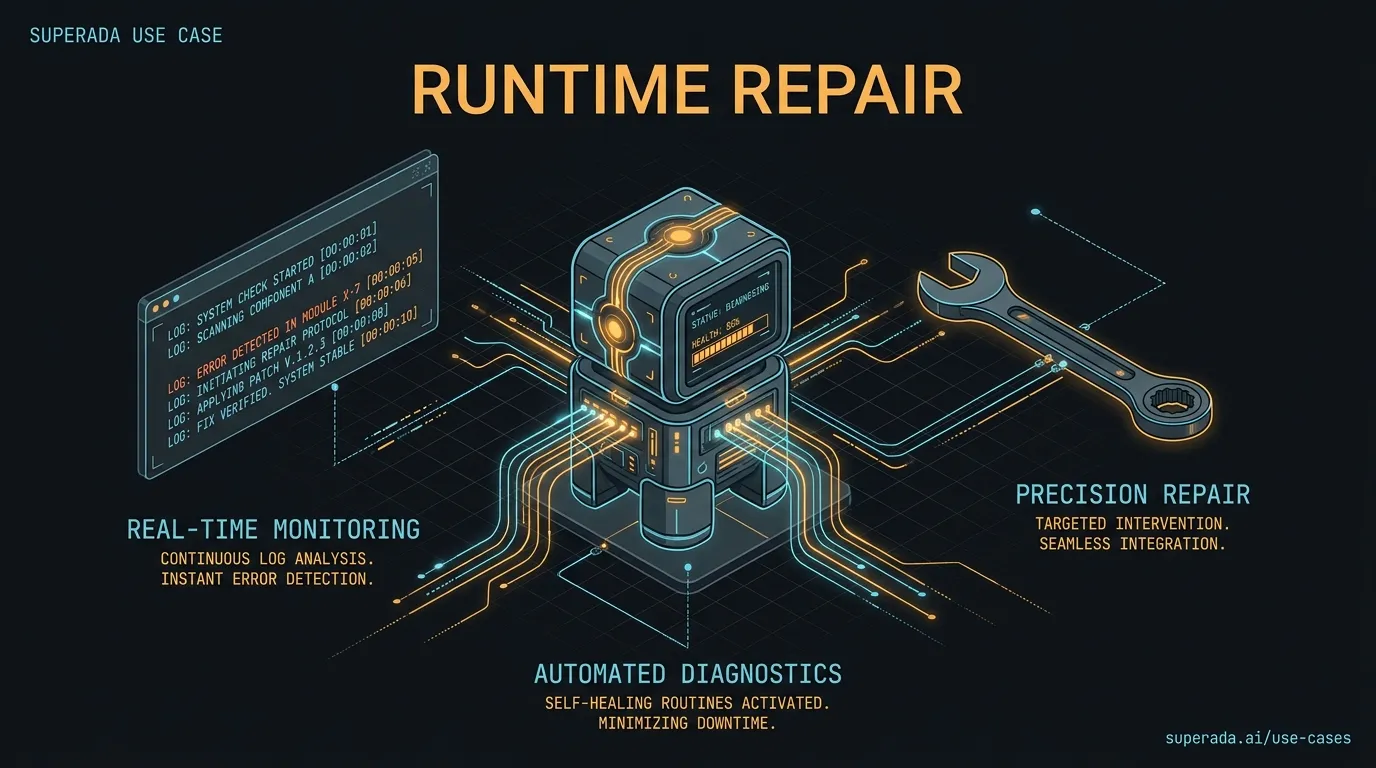
Agent runtime repair

When one crew member stalls, Ada checks the host, process, gateway, logs, and route before declaring the bot dead and buying flowers.
When it runs
When a heartbeat, user report, or monitor flags an agent as unhealthy.
What it connects to
Host process lists, gateway logs, journalctl, cron state, agent workspaces, deployment receipts, and known host routing rules.
What Henry gets back
A diagnosis, the smallest safe repair already attempted, remaining blocker, and proof that the agent is healthy or still down.
Where the human stays in charge
Safe restarts and local reversible fixes can run under maintenance rules. Credential changes, production data deletion, or broad fleet config changes need approval.
Illustration: Script-to-video proof pack
Media

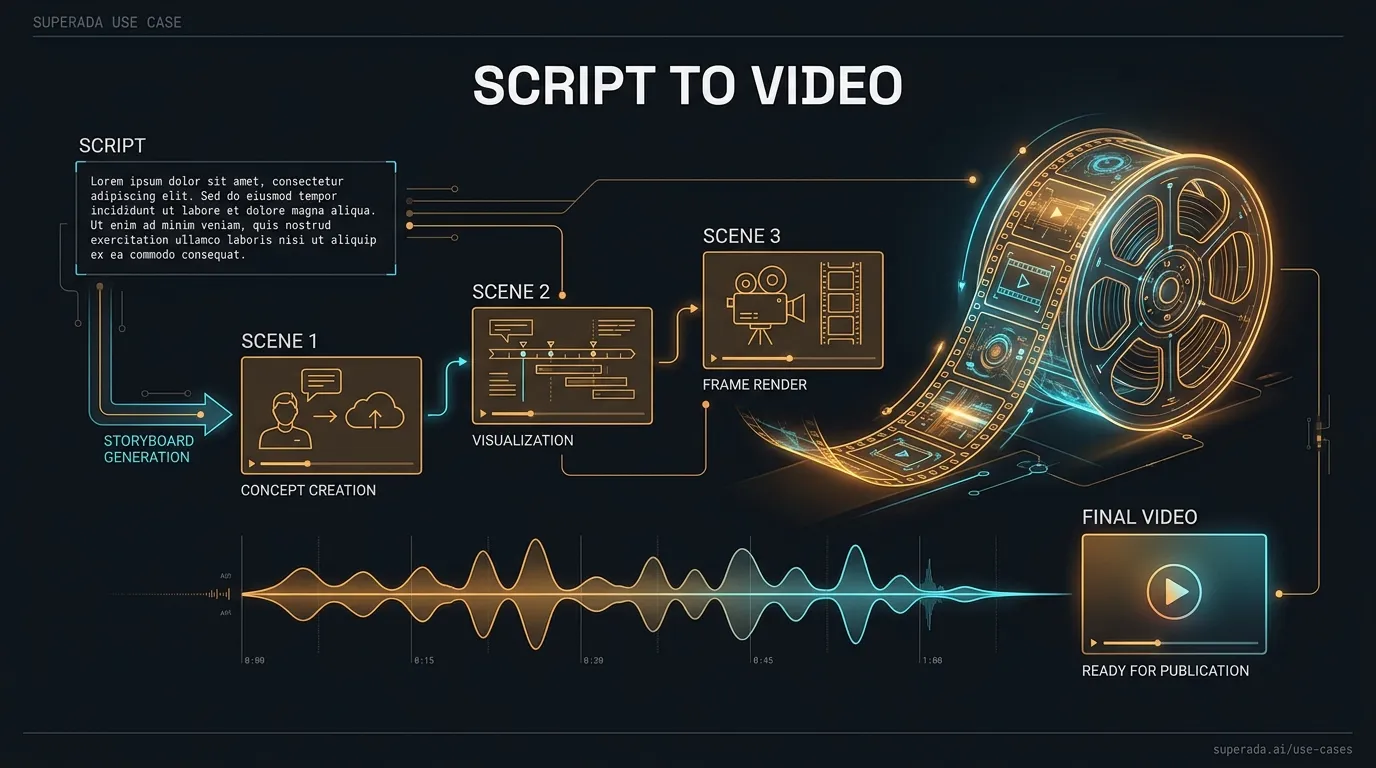
Script-to-video proof pack

Ada turns a story or workflow into a media plan with prompts, shots, narration, and verification instead of vibes in a trench coat.
When it runs
When a launch, article, or resource needs visual proof or social video.
What it connects to
Script notes, brand references, generated images, TTS output, timelines, asset checks, and final-render QA.
What Henry gets back
Storyboard, image prompts, narration script, render plan, artifact paths, and verification notes for what passed or drifted.
Where the human stays in charge
Drafting, rendering tests, and local QA can run. Publishing, using real people/customer names, or final external distribution waits for approval.
Illustration: YouTube learning tracker
Learning

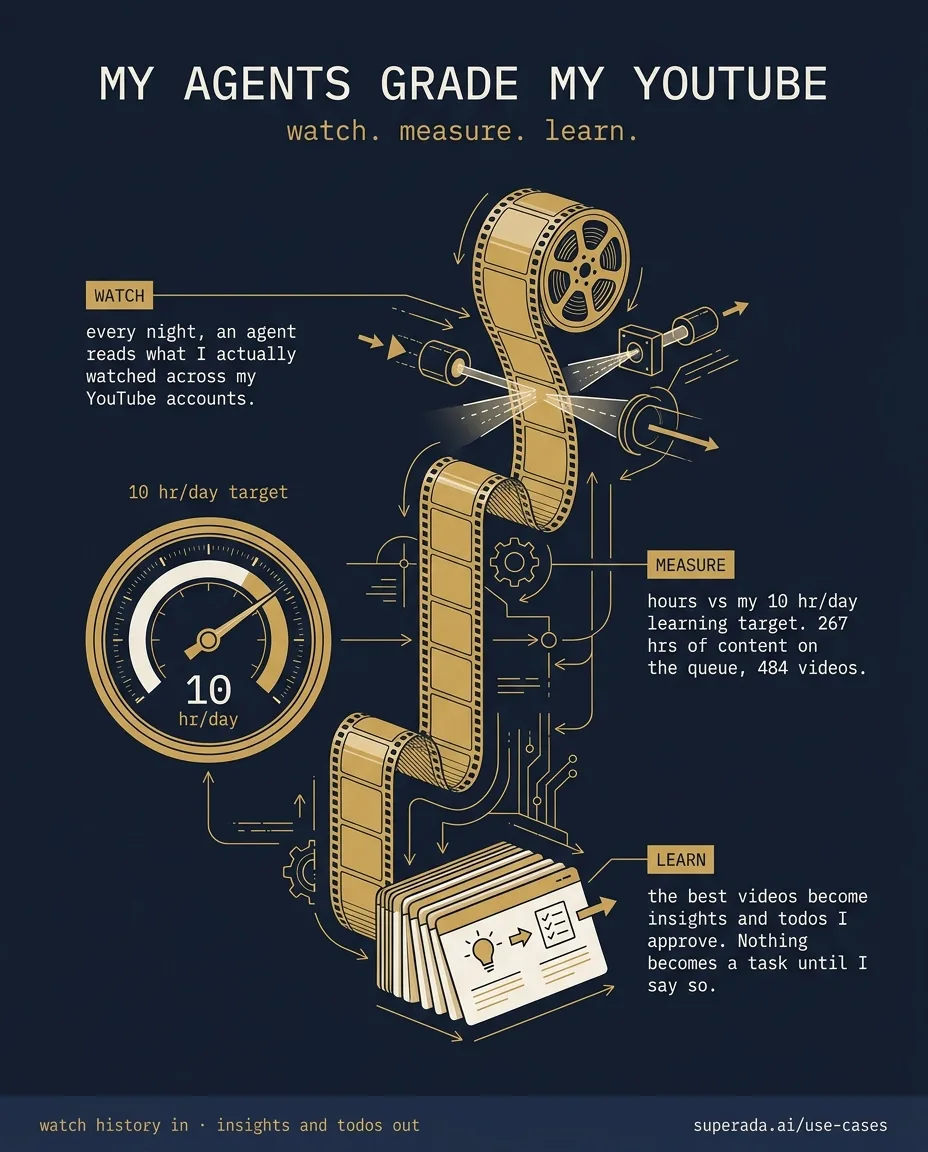
YouTube learning tracker

Ada tracks what Henry watches on YouTube every day, keeps him honest against his 10-hour learning target, and turns the best videos into insights and todos.

When it runs
Every night, automatically. A report lands in a private channel with the day’s numbers, the queue, and anything worth his attention.
What it connects to
Henry’s YouTube accounts, read through an authenticated browser on his own machine, plus his learning target and the queue backlog.
What Henry gets back
A daily scorecard of learning hours against target, a prioritized backlog of videos worth revisiting, and takeaways proposed as todos.
Where the human stays in charge
Insights arrive as proposals; nothing becomes a todo until Henry approves. He sees aggregates like hours and counts, not a view-by-view log.

Setup pattern

The recipe is boring on purpose

Good agent workflows are not magic. They are clear inputs, a narrow job, a delivery route, and a gate. The boring version works. The cinematic version sends you a 19-page report no one asked for and calls it strategy.

  1. Pick one repeated job Henry already has to do.
  2. Connect the safe sources the agent is allowed to read.
  3. Define what the agent returns and where it delivers it.
  4. Write the approval boundary before the automation runs.
  5. Keep receipts, so the output can be checked instead of trusted.
See moreThe full workflow atlas, with every mapped use case and filters by agent and category.